The Best Money Apps of 2026: A Practical Buyer’s Guide
Choosing from the sea of finance apps is overwhelming. This guide cuts through the noise to the best money apps for real people with real goals, whether you want to budget, save, invest, or finally understand where your paycheck goes each month.
Not every app fits every wallet. A student tracking coffee spending needs something different from a couple juggling a mortgage and college savings. Below, we match app categories to goals so you can pick the right tool the first time in 2026.
What makes the best money apps worth downloading
A great money app does three things: it saves you time, it reveals patterns you would otherwise miss, and it nudges you toward better decisions. The rest is polish. Before you install anything, judge each option against a short checklist.
- Security — bank-level encryption and read-only account access.
- Automation — syncing, categorization, and alerts that run without you.
- Clarity — dashboards you can read in five seconds.
- Fair pricing — clear costs, no surprise upgrade walls.
The Federal Deposit Insurance Corporation reminds users to confirm that any linked bank is FDIC-insured; you can verify institutions through the FDIC directly. Security should never be an afterthought.
Free versus paid: does it matter?
Many free apps monetize through ads or by recommending products. Paid apps, often $5 to $15 a month, tend to offer deeper reports and no upsells. If an app saves you more than its fee in avoided late charges and smarter spending, it pays for itself.
Best money apps by category
Rather than crowning a single winner, think in categories. Most people end up using two or three apps that each do one job well. Here is how the landscape breaks down in 2026.
| Category | Best for | Typical cost |
|---|---|---|
| All-in-one budgeting | Tracking every dollar | Free–$15/mo |
| Round-up savers | Painless saving | Free–$3/mo |
| Micro-investing | New investors | $1–$5/mo |
| Bill negotiation | Cutting fixed costs | % of savings |
| Peer-to-peer payments | Splitting costs | Free |
Budgeting apps
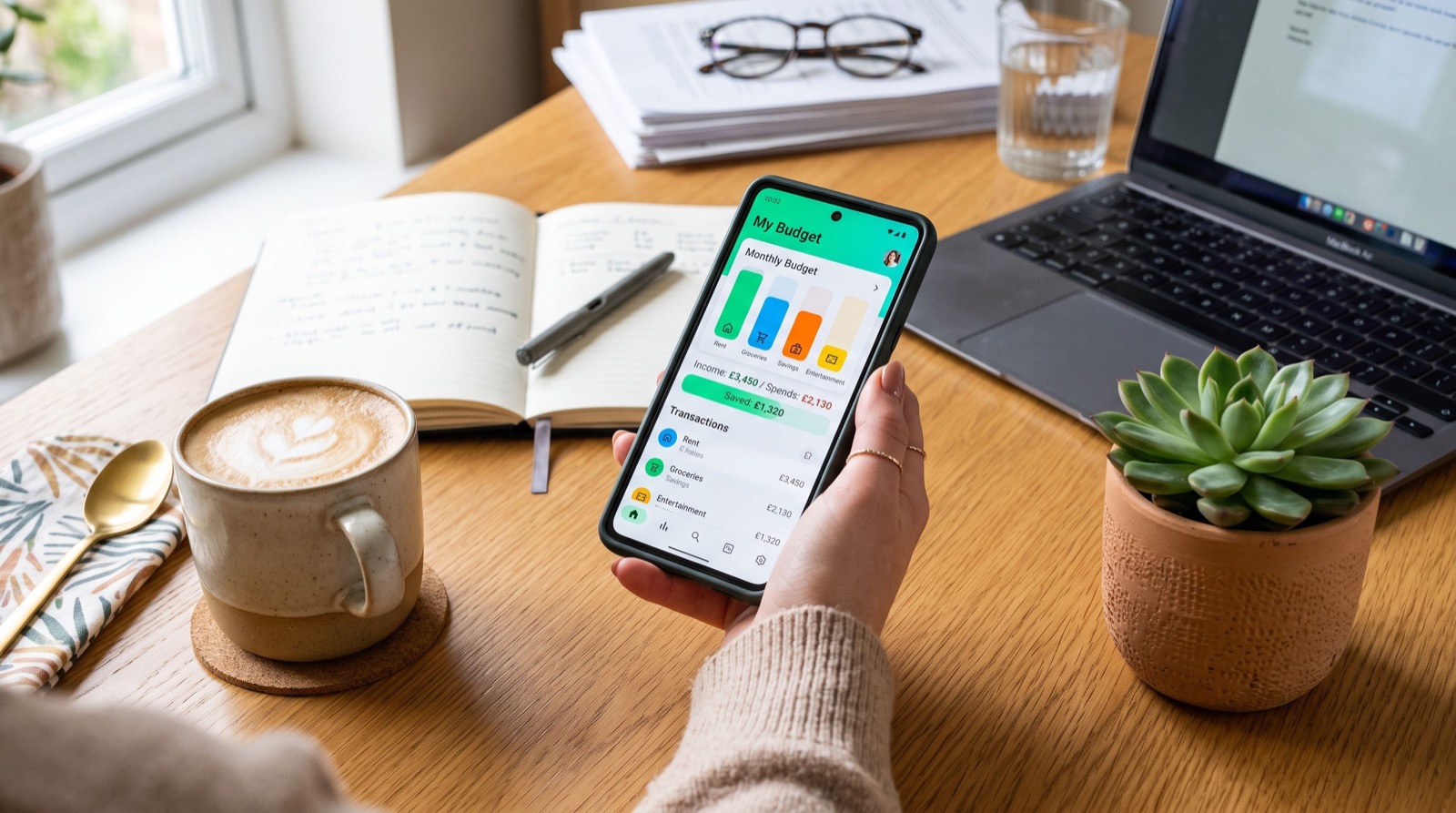
These sync your accounts, sort transactions, and show your cash flow. The best ones let you build custom categories and set spending limits with real-time alerts. If you only download one app, start here.
Automatic savings apps
Round-up tools sweep your spare change into savings after each purchase. Others analyze your cash flow and move small, safe amounts automatically. You barely notice the withdrawals, but the balance grows steadily.
Micro-investing apps
These lower the barrier to investing by letting you buy fractional shares with a few dollars. They pair well with beginners who want exposure to the market without needing a large lump sum to start.
How do I choose the right money app for me?
Start with your single biggest pain point. If you overspend, choose a budgeting app with alerts. If you never save, choose a round-up tool. If investing intimidates you, pick a micro-investing platform with education built in. Solve one problem well before adding more apps.
Then run a 30-day test. Track whether the app actually changes your behavior. An app you ignore is worthless no matter how many features it has. Pairing the right tools with sound personal finance tips is what turns downloads into results.
A simple selection framework
- Name your top financial goal for the next 90 days.
- Match it to one app category from the table above.
- Shortlist two apps and check reviews and security details.
- Test the winner for a month before paying for premium tiers.
Avoid these common money-app mistakes
Even the best money apps fail if you use them wrong. The most frequent errors are simple to fix once you know them.
- Downloading five apps and checking none of them.
- Ignoring the alerts you set up.
- Linking accounts but never reviewing the reports.
- Paying for premium features you never touch.
Consistency, not quantity, drives results. For app comparisons and setup walkthroughs backed by reputable service experts, keep a trusted resource bookmarked so you can revisit it as your needs change.
Building a simple money-app stack that works
The most effective users do not chase every new release. Instead, they build a small, deliberate stack of tools that cover the essentials. Think of it like a kitchen: you need a few reliable pieces, not a drawer full of gadgets you never touch.
A dependable 2026 stack usually looks like this:
- One budgeting app as your command center for spending and cash flow.
- One savings tool that moves money automatically toward specific goals.
- One investing app for long-term growth, even if you start with pocket change.
Layer these gradually. Nail your budgeting app for a month, then add automatic savings, then investing. Adding everything at once almost guarantees you will abandon half of it. Slow, steady adoption builds habits that stick well beyond the new-app novelty.
How much time should a money app actually take?
Once set up, a good app should demand only a few minutes a week. You skim your dashboard, confirm your categories look right, and respond to any alerts. If an app requires constant manual entry, it is working against you rather than for you.
Protecting your data while you save
Any app that connects to your bank should use encrypted, read-only links. Enable two-factor authentication, use a unique password, and review connected apps every few months. Delete access for tools you no longer use. Good security habits protect the progress your apps help you build.
Frequently Asked Questions
Which are the best money apps for beginners in 2026?
Beginners do well with an all-in-one budgeting app plus a round-up savings tool. Together they cover tracking and saving, the two habits that matter most early on, without overwhelming you with features.
Are money apps safe to link to my bank account?
Reputable apps use bank-level encryption and read-only connections, so they can view transactions but cannot move funds. Confirm the app’s security details, enable two-factor authentication, and only link FDIC-insured institutions.
Do I need to pay for a money app?
Not necessarily. Many free apps cover budgeting and saving well. Pay for premium only when the added reports or automation clearly save you more than the subscription costs each month.
Can one app handle budgeting, saving, and investing?
Some all-in-one platforms come close, but most people get better results using two or three focused apps. Each specialized tool tends to do its single job more effectively than a jack-of-all-trades.
Conclusion: pick your tools, then build the habit
The best money apps of 2026 are the ones you actually open and act on. Match a tool to your biggest goal, test it for a month, and add more only when they earn their place on your phone.
Ready to compare options and find the right fit for your wallet? Explore in-depth reviews, guides, and comparisons at WalletWisp and take the guesswork out of managing your money this year.